Queue Management System in Saudi Arabia: 2026 Buyer’s Guide for Busy Service Counters
A queue management system in saudi arabia is no longer a nice extra for banks and hospitals. In 2026, customers expect to take a digital ticket, see their wait time, and walk in the moment their number is called. Businesses that still rely on a crowded waiting room lose goodwill every single day.
This guide walks through what these systems do, how to choose one for a Saudi branch, and why the audio side of your service desk matters just as much as the software. It is written for operations managers, clinic owners, and government service-centre leads who need practical answers rather than brochure language.
Why Saudi Service Centres Are Digitising the Waiting Room
Saudi Arabia is in the middle of a large national push toward digital services. The goals set out under Saudi Vision 2030 include faster, more transparent public and private services. Queues are the most visible place where citizens and residents judge that progress.
Three local factors make queue technology especially valuable here:
- Peak-hour concentration. Traffic spikes after Dhuhr prayer and in the evening hours, so counters swing between idle and overwhelmed.
- Bilingual audiences. Screens and announcements must work in Arabic and English, and often Urdu or Tagalog for large expatriate customer groups.
- Heat and comfort. Nobody wants to stand outside in July. A virtual queue lets people wait in the car or a cafe.
What a Modern Queue Management System Actually Does
Think of the system as five connected pieces. If one is weak, the whole experience suffers.
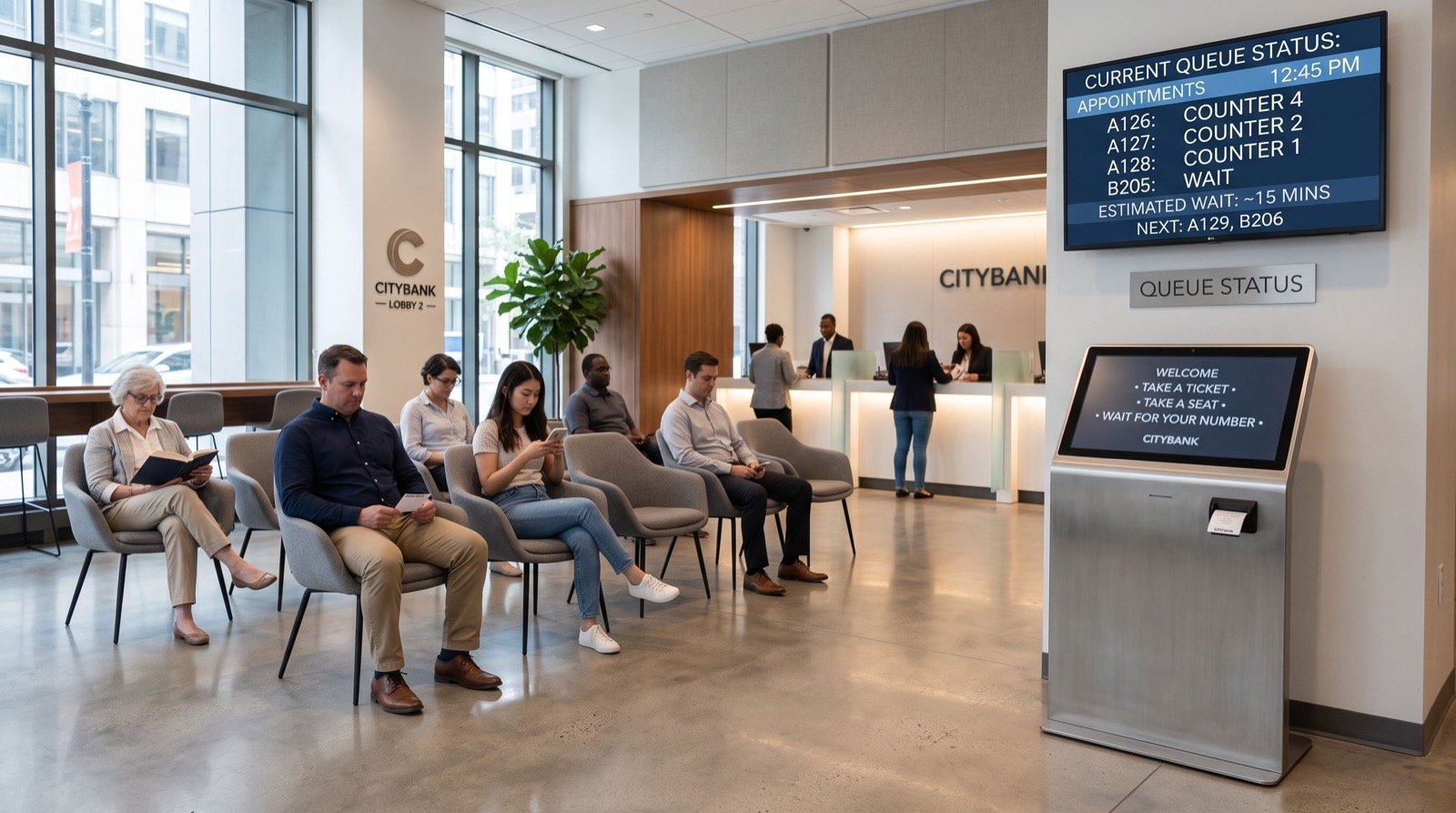
- Ticket issuing. A kiosk, a mobile app, a QR code, or a receptionist hands out a numbered ticket by service type.
- Routing logic. The software sends each ticket to the right counter based on skill, language, or priority.
- Display and voice calling. Screens and speakers announce the next number clearly.
- Counter control. Staff call, recall, transfer, or close a ticket from a small console.
- Reporting. Dashboards show wait times, abandonment, and busiest hours.
The reporting layer is the part owners underuse. A weekly look at average wait by hour is often enough to justify rescheduling two staff members and cutting waits by a third.
Choosing the Right Setup: A Comparison Table
Not every location needs the full package. This table shows how requirements typically differ by venue.
| Venue type | Daily visitors | Recommended ticketing | Key extra |
|---|---|---|---|
| Small clinic | 40 to 120 | QR code plus receptionist ticket | SMS alerts |
| Bank branch | 200 to 600 | Touch kiosk by service type | VIP priority lanes |
| Government service centre | 800+ | Kiosk plus mobile booking | Multi-language voice calling |
| Telecom retail store | 150 to 400 | Kiosk plus app | Appointment and walk-in blend |
Questions to ask every vendor
- Does the interface support right-to-left Arabic natively, including on printed tickets?
- Can it keep working during an internet outage and sync later?
- Is there local support in Riyadh, Jeddah, or Dammam with same-day response?
- How are customer phone numbers stored, and does that align with Saudi data protection rules?
The Overlooked Half: Audio at the Counter
Here is something we see often. A business invests in a polished ticket kiosk, then lets staff shout across a noisy hall or work with weak speakerphones. The digital promise falls apart at the human moment.
If your counters also handle phone enquiries, or your queue is a call-back queue, a quality headset changes the picture. A model such as the Addasound Epic 301 is built for contact-centre style work. Its noise-reducing microphone keeps the agent’s voice clear while background chatter fades out, which matters in an open service hall.
Practical tip: test headsets at the real counter, at the busiest hour, not in a quiet meeting room. Ask two colleagues to call you and judge intelligibility. This ten-minute test beats any spec sheet.
How Much Does Implementation Take?
A straightforward single-branch rollout usually follows a predictable path.
- Week 1: map services, counters, and peak hours.
- Week 2: install kiosks, screens, and counter consoles.
- Week 3: train staff and run a soft launch with a few services.
- Week 4: go live for all services and review the first reports.
Multi-branch deployments take longer because each site has its own layout, but a central dashboard pays back quickly once regional managers can compare branches side by side.
Is a Queue Management System Worth the Cost?
Short answer: yes, if you measure it. Track four numbers before and after launch: average wait, walk-away rate, staff idle time, and customer satisfaction score. Most sites see the walk-away rate fall first, because people trust a visible, fair line.
Be careful about hidden costs. Ask about licence tiers per counter, hardware replacement, and software updates. A cheap quote that excludes support often becomes the expensive one by year two.
A quick payback estimate
Suppose a branch serves 300 customers a day and loses 6 percent to walk-aways. That is 18 lost interactions daily. If each is worth even a modest margin, recovering half of them pays for a mid-range system within months. Run the same maths with your own figures.
Finding Trustworthy Help
Installation quality decides whether a system feels seamless or frustrating. Look for reputable service experts who can show live installations, explain their support hours, and give you references you can actually call. Avoid anyone who cannot demonstrate a working Arabic interface.
Training Staff to Get the Most From the System
Software alone does not shorten a wait. People do. Spend one hour with every counter agent on the basics: calling the next ticket, recalling a no-show, and transferring a customer who needs a different desk. Short role-play sessions work better than slide decks.
Next, agree on a simple rule for no-shows. Many branches wait 60 seconds after the first call, recall once, then close the ticket. Writing the rule on a card at each counter prevents arguments with customers and keeps the line moving.
Small habits that add up
- Open the counter console before the doors open, not after the first customer arrives.
- Close the ticket the moment service ends so reports stay accurate.
- Flag repeated complaint topics, because they point to a process problem, not a people problem.
- Review the previous day’s busiest hour in a two-minute morning huddle.
Branches that adopt these habits often discover their real bottleneck is a single slow service type, such as account updates or document verification, rather than the number of counters.
Frequently Asked Questions
What is a queue management system?
It is software and hardware that issues tickets, routes customers to the correct counter, announces turns, and records waiting data so managers can improve service.
Can small businesses in Saudi Arabia use one?
Yes. Cloud-based and QR-driven options need no kiosk, so a clinic or salon can start with a phone and a display screen at a modest cost.
Does it work in Arabic and English?
Good systems support both, including right-to-left layouts, bilingual voice calls, and printed tickets in either language.
How do I reduce waiting time further?
Combine online appointments with walk-in tickets, review hourly reports, and make sure staff have reliable tools such as clear headsets and fast screens.
Conclusion: Start With the Customer’s Minutes
The best queue management system in Saudi Arabia is the one your customers barely notice, because their wait feels short and fair. Define your services, pick a setup that matches your venue size, pair it with solid counter audio, and review the numbers monthly in 2026. Ready to take the next step? Request a demo, test it at your busiest hour, and let the data guide the rest.